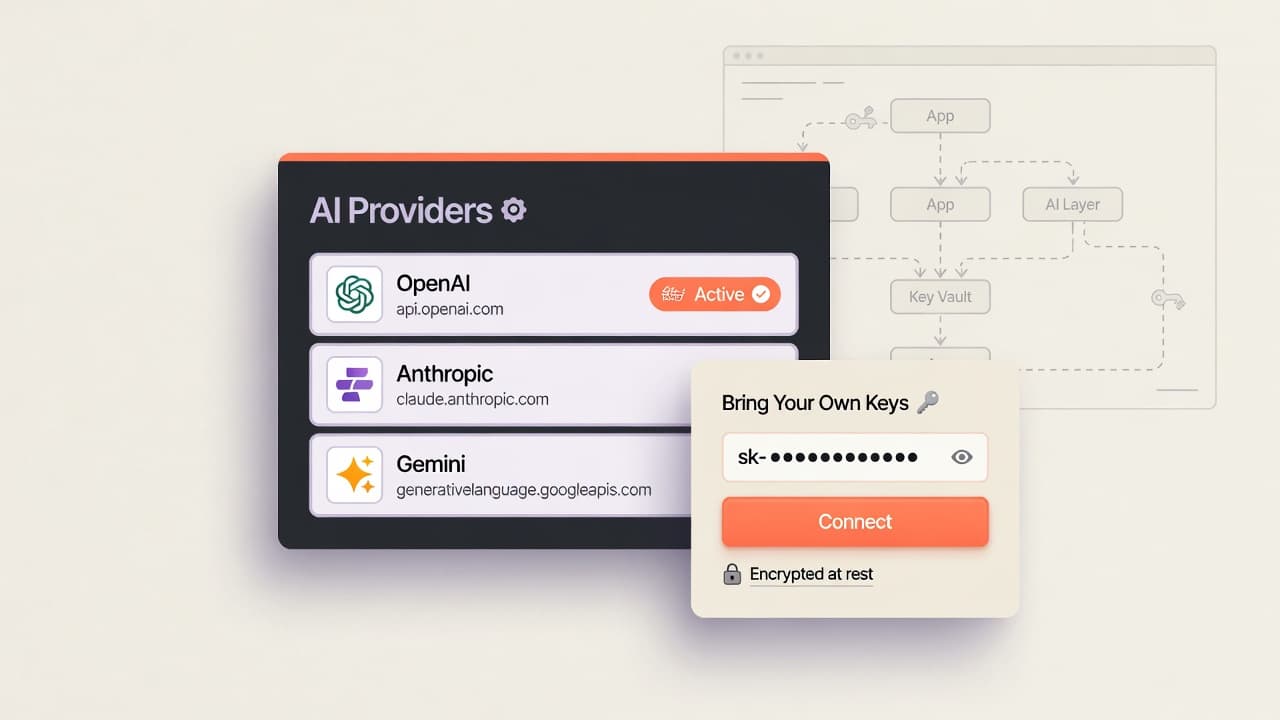
Connect OpenAI, Anthropic, Gemini, or another catalog provider with an API key you already pay for. OpenDiagram encrypts keys at rest, routes generation through your default provider, and falls back to the platform model only when you have not connected one. No forced lock-in to a single vendor quota—and no mystery markup on tokens you already buy elsewhere.
Entity relationships
ERD diagrams that stay editable
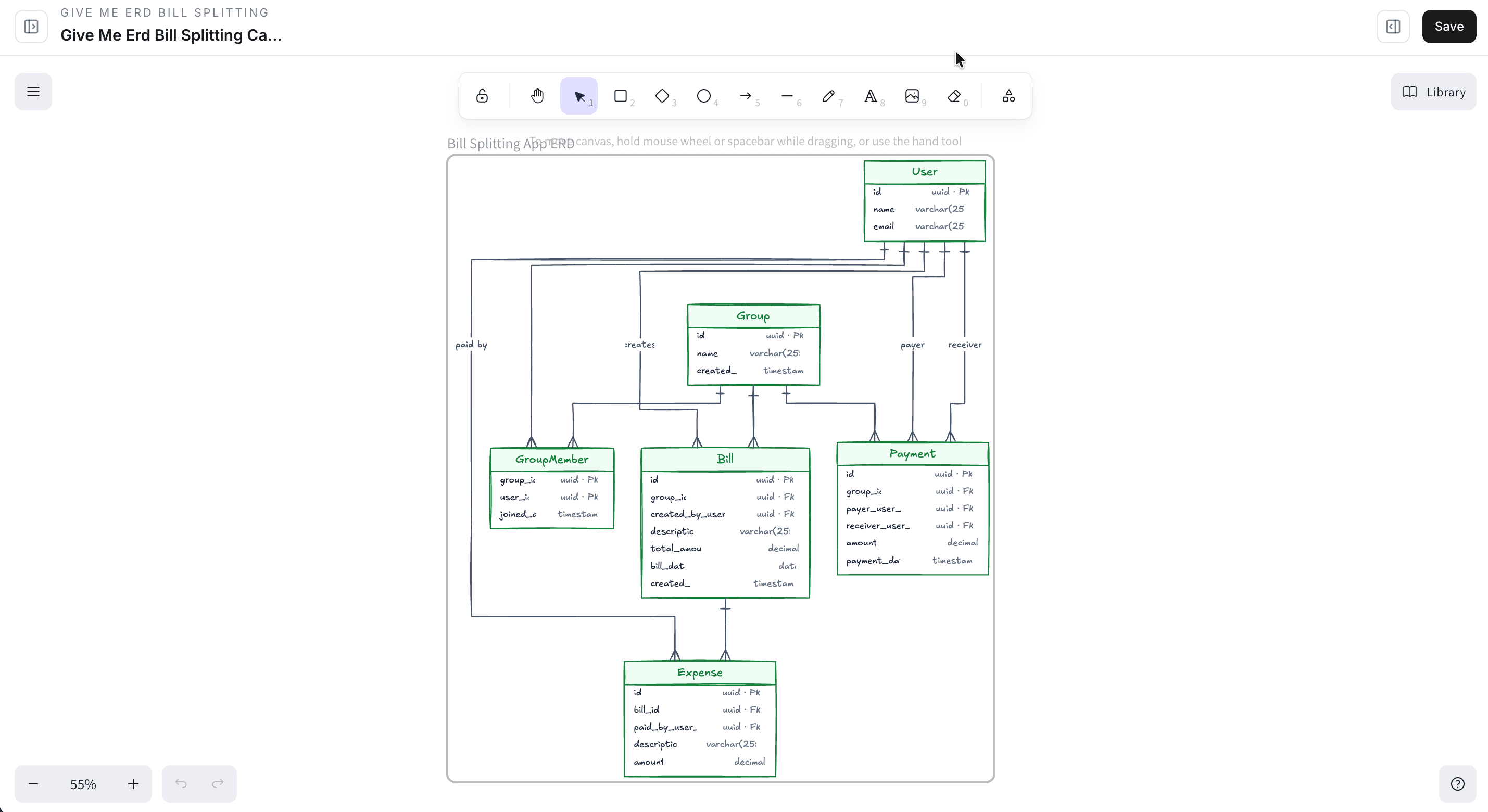
Model tables, keys, and cardinality as first-class objects—not a one-shot image export. Generate an entity-relationship diagram from a schema description or product brief, then adjust fields, rename entities, and rewire associations when the data model shifts. OpenDiagram is built for ERD work you will open again next sprint, not archive in a slide deck.
Process flows
Flowcharts for decisions and handoffs
Map onboarding paths, approval chains, incident runbooks, and API request lifecycles as flowcharts you can actually revise. Branch logic, labels, and steps stay on the canvas so product and engineering can debate the path without redrawing from a blank page. Use natural language to draft the flow, then pin the sequence that matches how the system really behaves.
Project memory
Context that carries into the next version
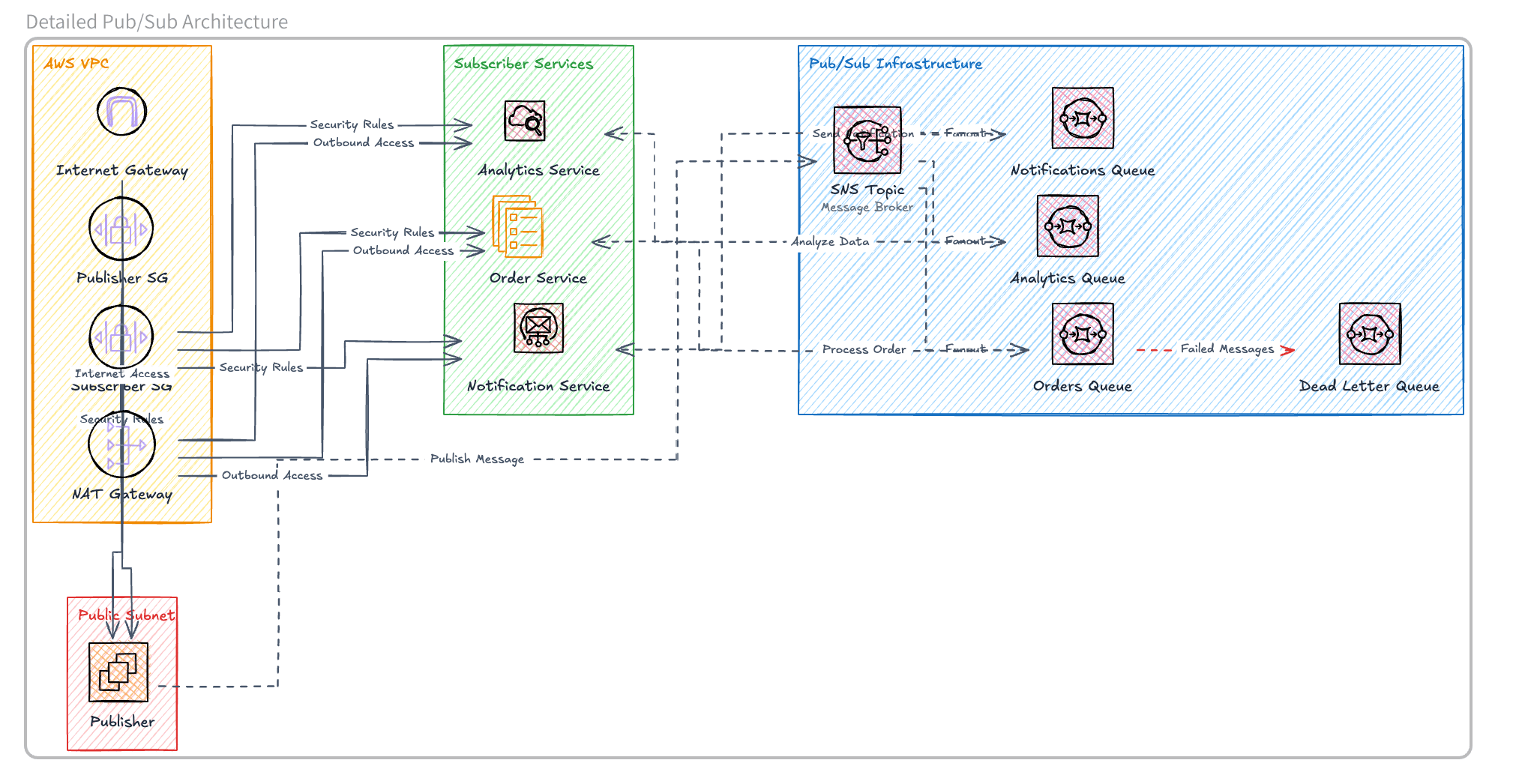
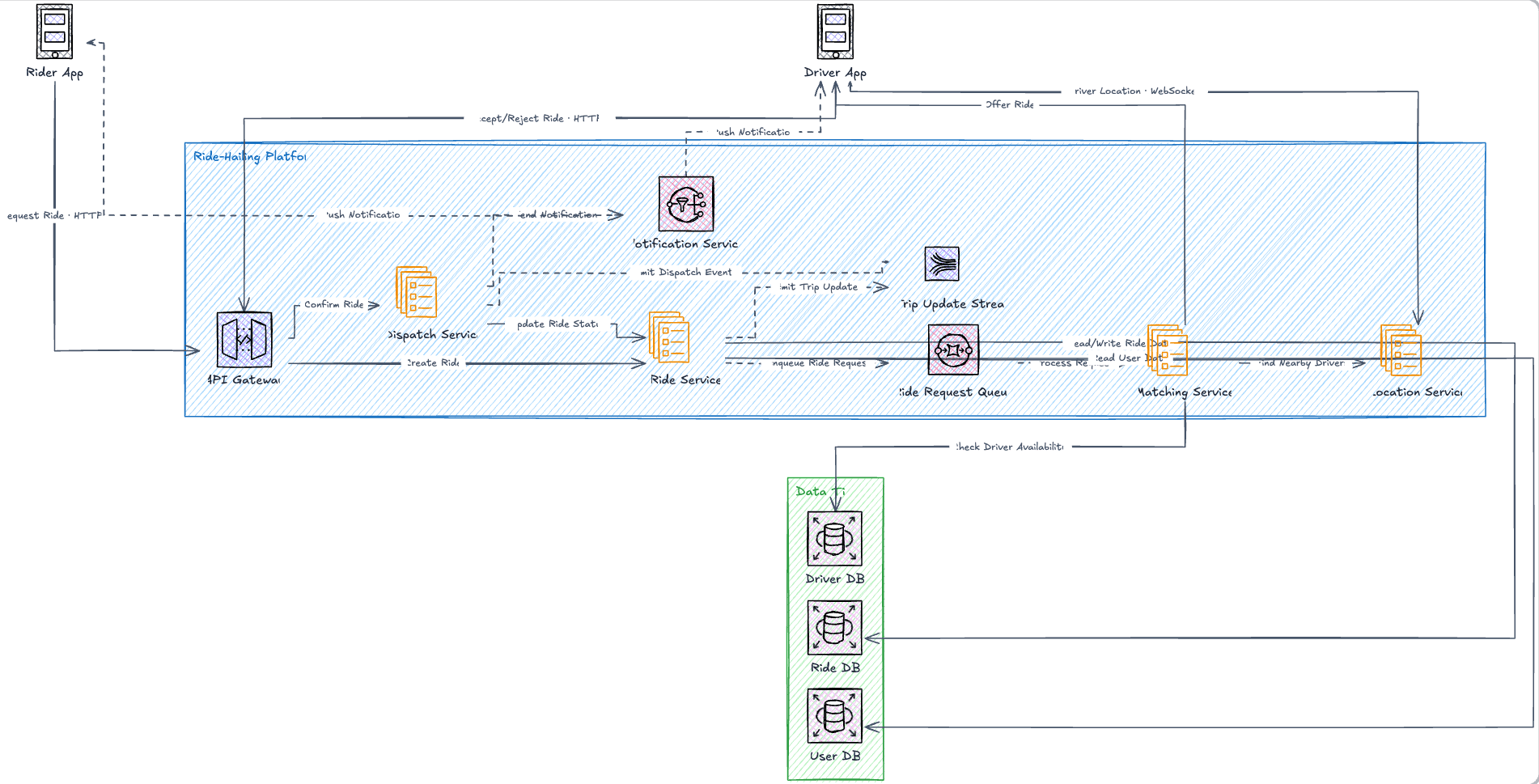
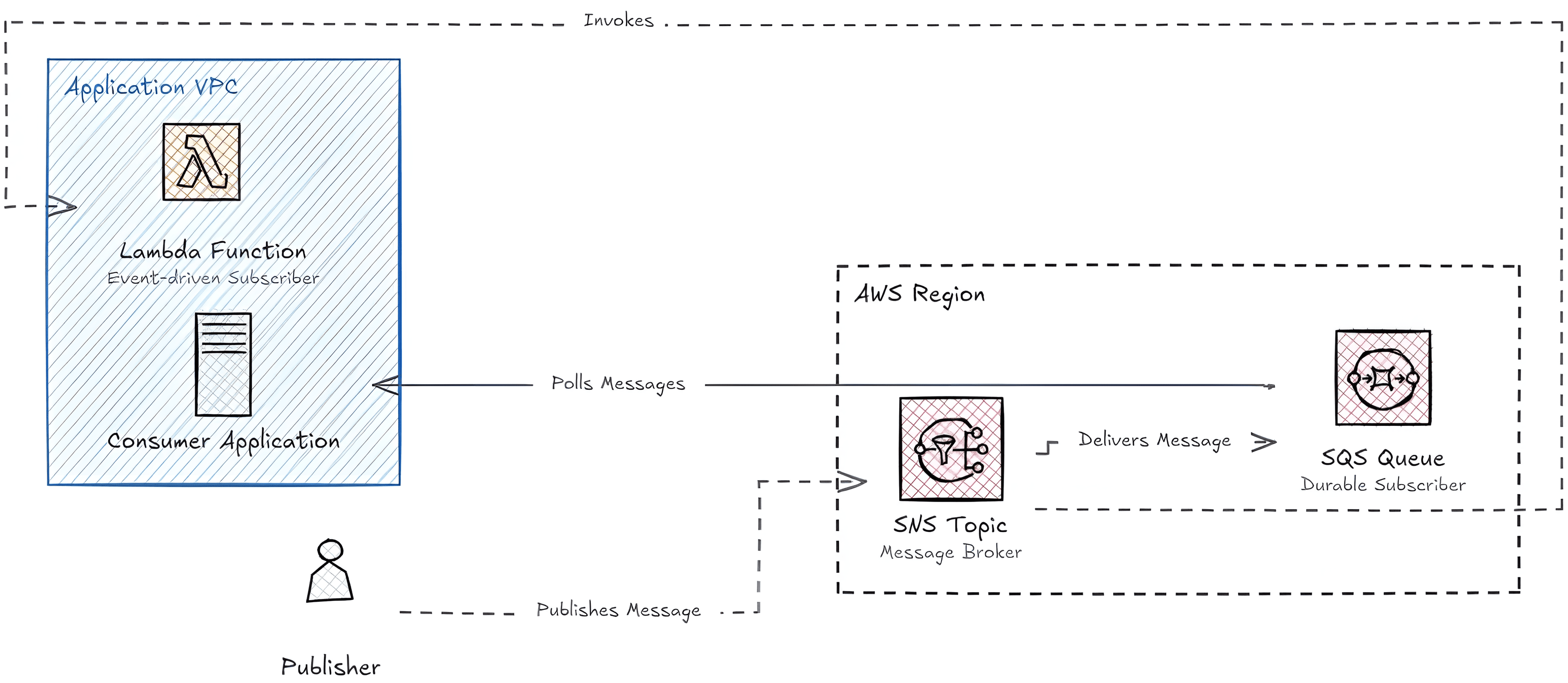
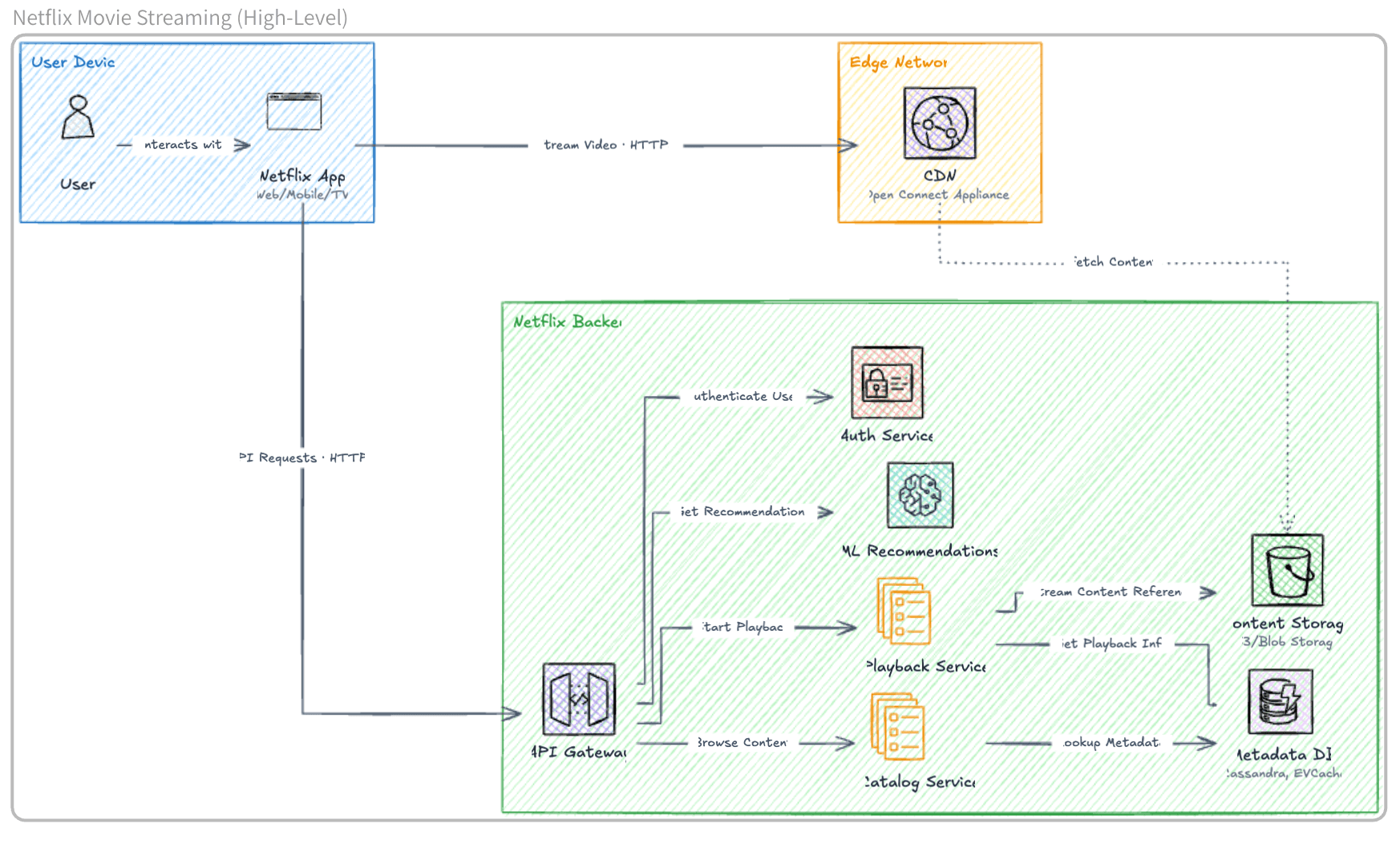
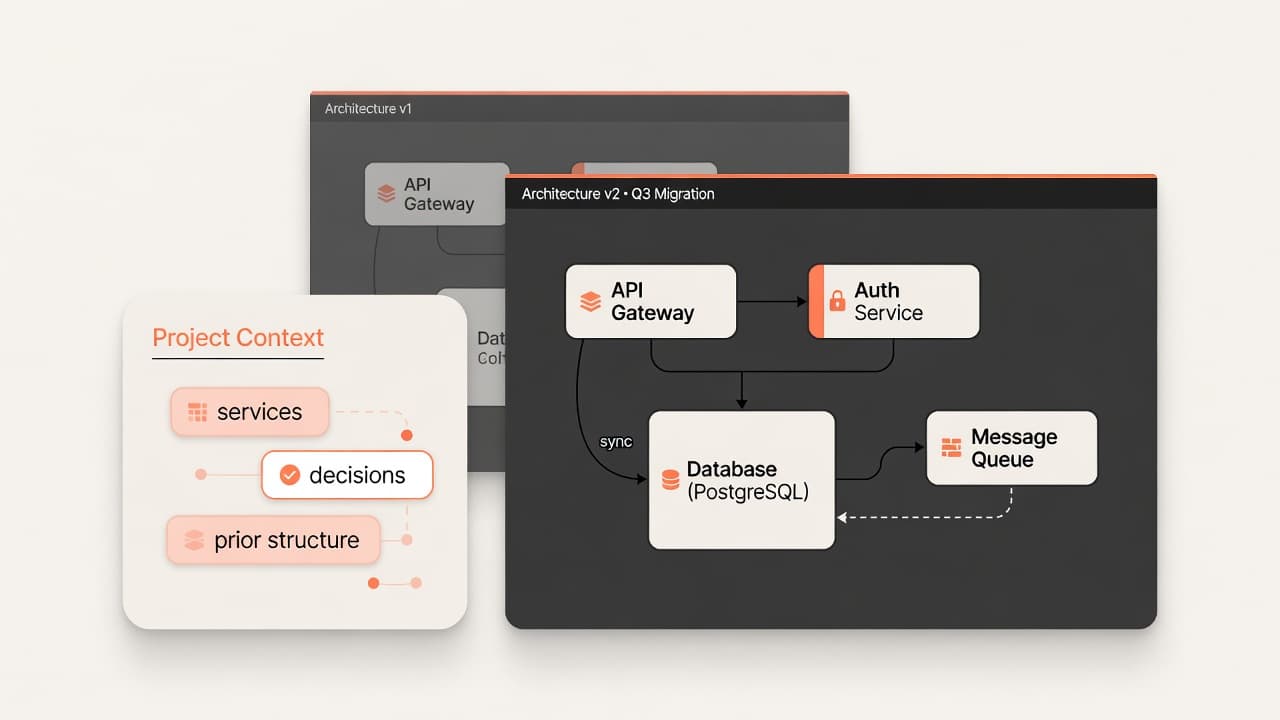
Architecture does not freeze after the first commit. OpenDiagram keeps project context—services, prior diagram structure, and the decisions you already made—so each revision builds on what exists instead of inventing a parallel universe. Evolve diagrams as requirements change: add a service, split a domain, or reconnect a dependency without losing the thread of the system you already designed.
 OpenDiagram